Custom Digital Print or HD Photo Tape Creator: Stand out in the market with Dalpo!

How to build a personal brand? Many entrepreneurs ask themselves this question. In times when the market is full of competition, the key to success is to stand out. In this area, creating and maintaining a strong, recognizable brand proves invaluable.
Packaging tape with your own logo may seem like an insignificant element in the process of building such recognition, but it should not be overlooked. In reality, it is the small details that create the whole which customers perceive. By using packaging tape with a company print, you can effectively attract customers' attention andincrease your brand recognition.
Dalpo Creator: Support in the project creation process
Preparing a design for packaging tape differs from designing leaflets or business cards. The specifics of the film substrate, print repeatability, and machine technology impose specific technical frameworks - which are worth knowing before placing an order. To make this process as easy as possible, we have createdthe Dalpo Tape Creator, which automates most of the work.
Technical aspects of selecting and personalizing packaging tapes
Before you start designing graphics, you need to define the physical properties of the printed tape you want to order. In the Dalpo creator, you have several options to choose from:
Type of adhesive
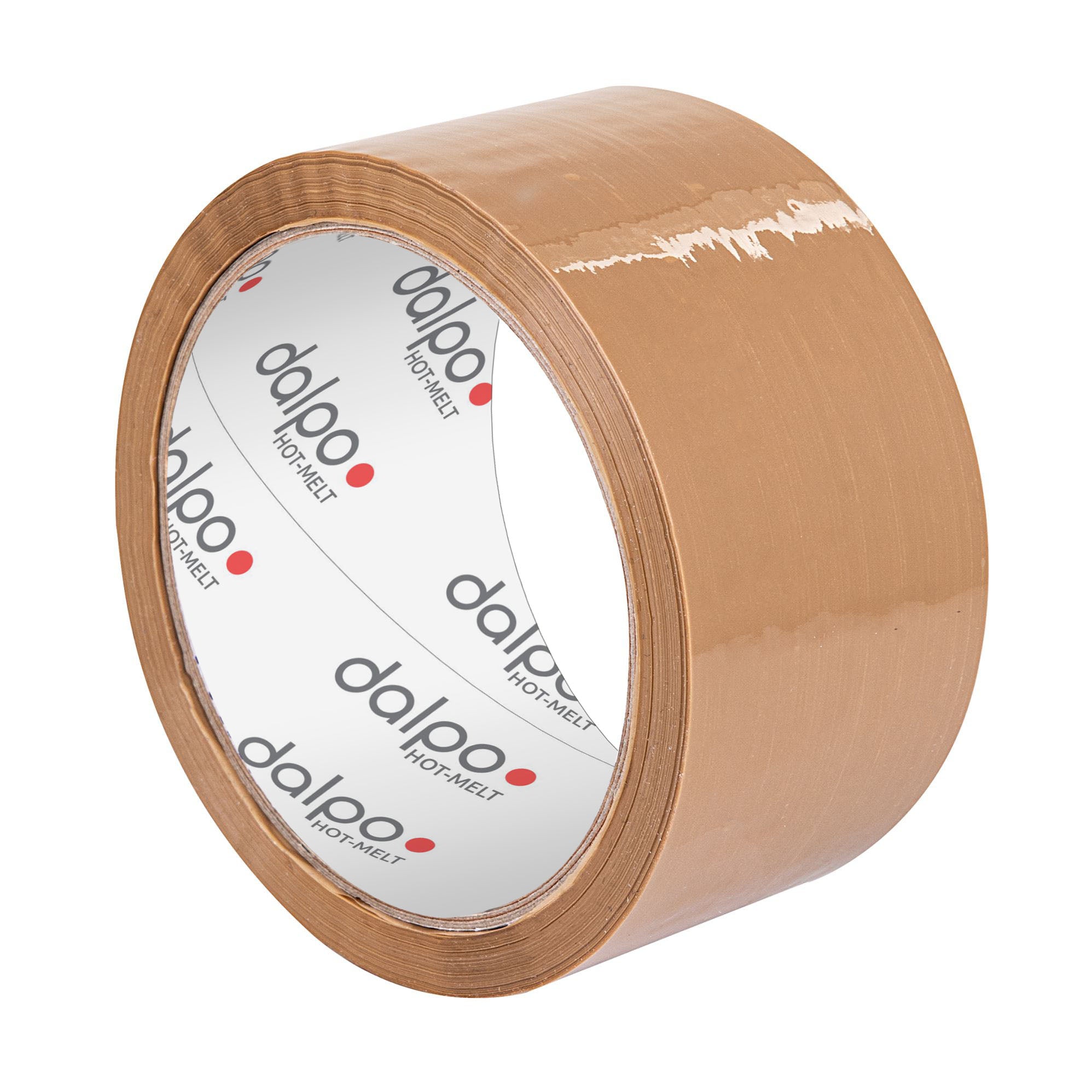
- Hot-Melt (Synthetic rubber): The most universal adhesive for fast packing at standard temperatures. It quickly adheres to the cardboard surface.
- Quiet Acrylic: Ideal for offices and small warehouses. The film unwinds without the characteristic, loud "crackle", which significantly increases working comfort.
- Noisy Acrylic: Has higher resistance to UV radiation and aging processes. A good choice if packages will be stored for a long time.
- Freezer: Adhesive for special tasks. It does not lose its properties at sub-zero temperatures – an absolute requirement for cold storage and freezers.
Also read our guide and learn more: Hot melt, solvent, and acrylic glue – differences in types of packaging tape adhesives
Tape size
Here, you can match the tape to your carton sealing machines and dispensers. Available widths: narrow tapes (25 mm, 38 mm), standard (50 mm), and wide (75 mm, 100 mm) - all in 60 m length on a 76 mm diameter core.
Film color
- Transparent: The print looks as if it's applied directly to the carton. An aesthetic solution, but be aware: dark carton colors can affect the optical perception of light inks.
- White: Acts like a blank sheet of paper, providing an ideal background for vibrant colors and print intensity.
Print type
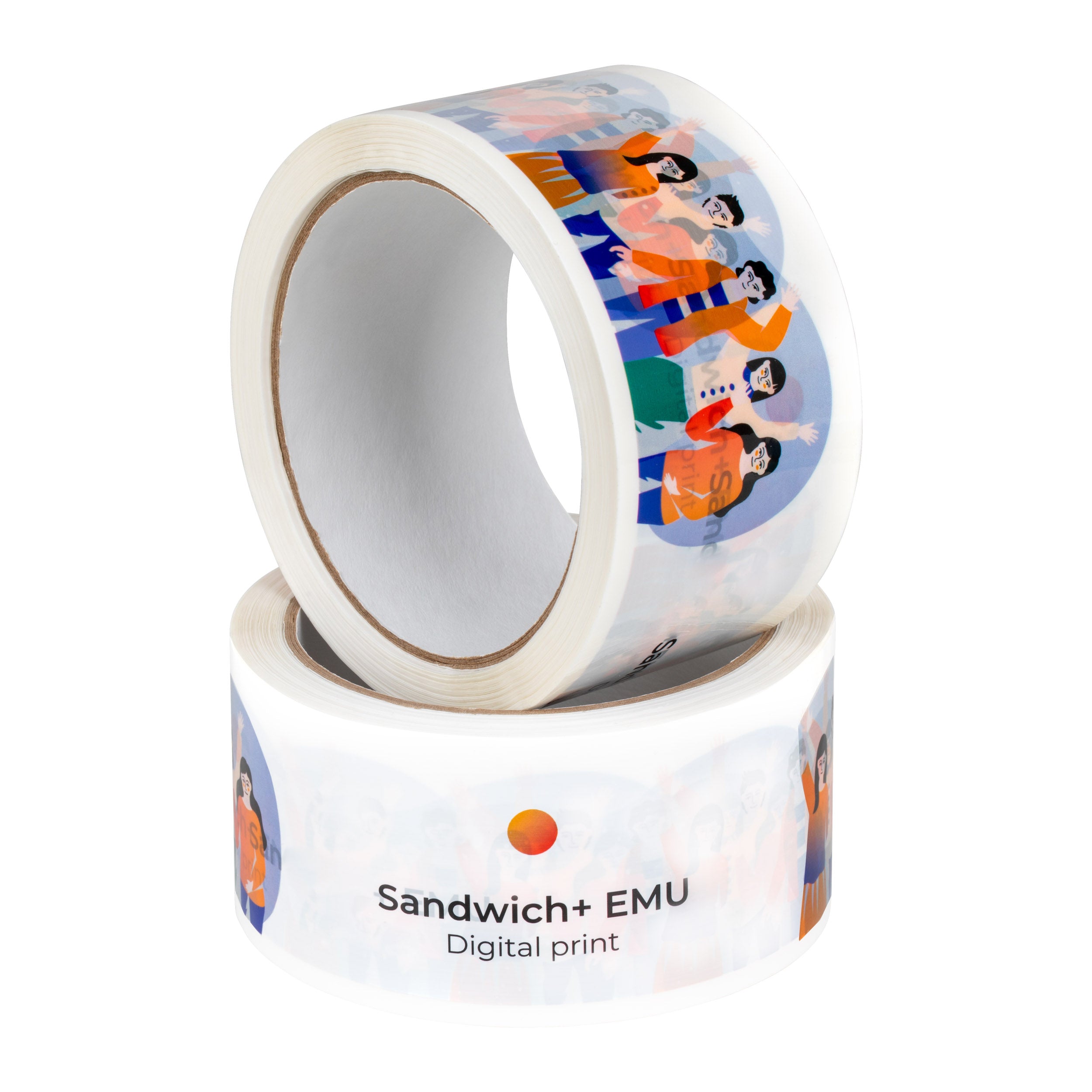
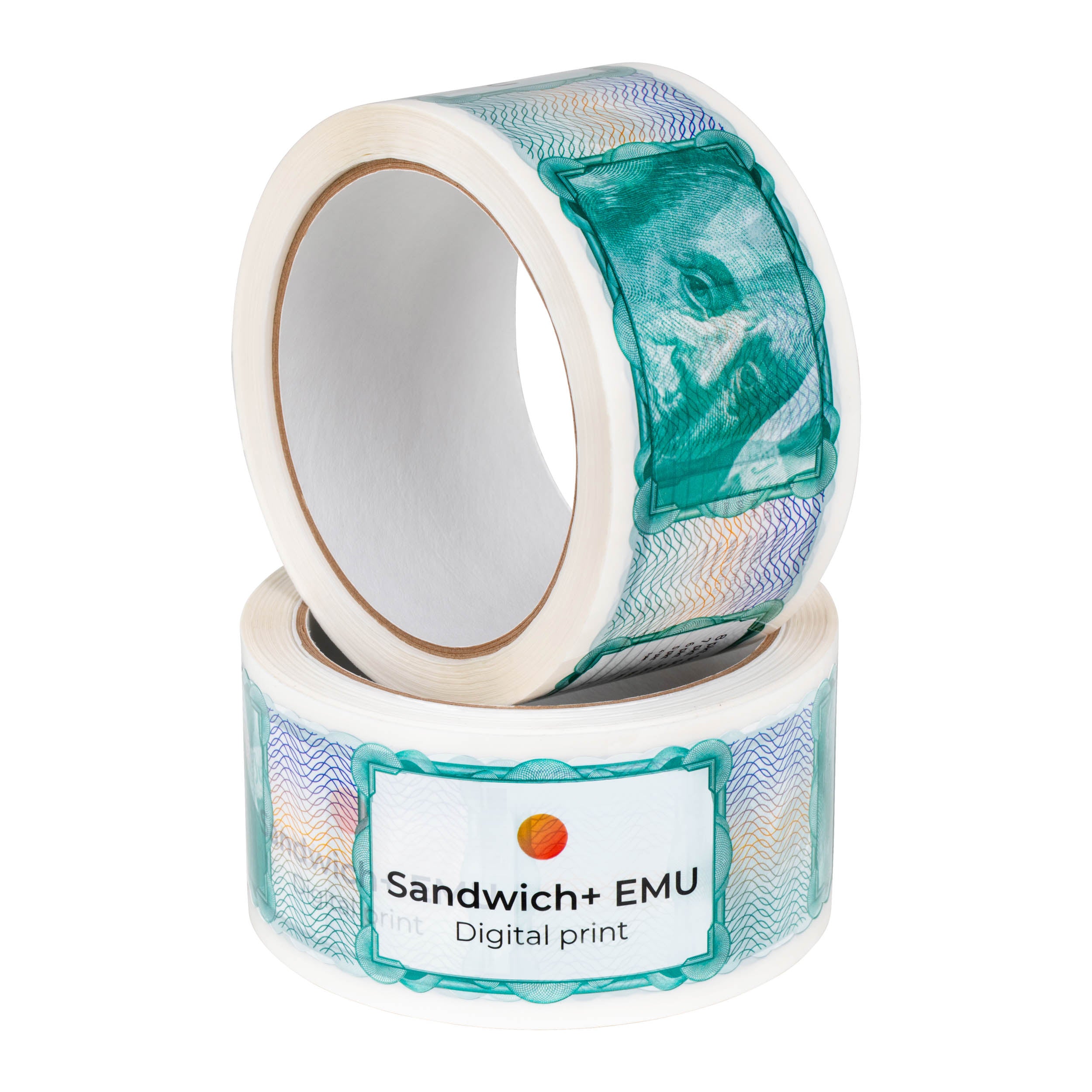
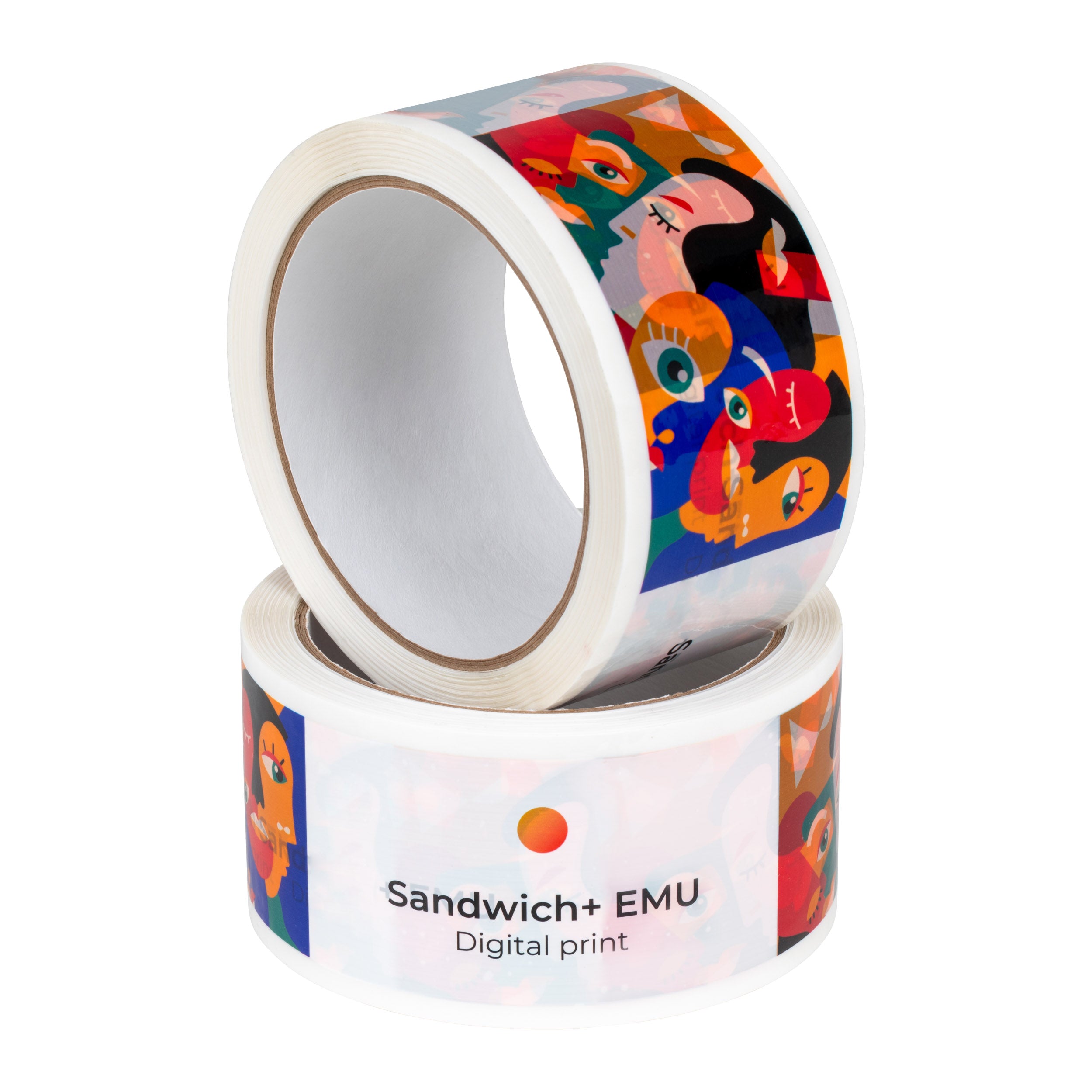
- Sandwich+ EMU (Limit 1–5 colors): An economical solution guaranteeing line precision up to 0.05 mm and resolution of 1200 dpi. By using pure Pantone colors, it is ideal for logos and professional corporate prints, ensuring full repeatability and sharp graphic edges.
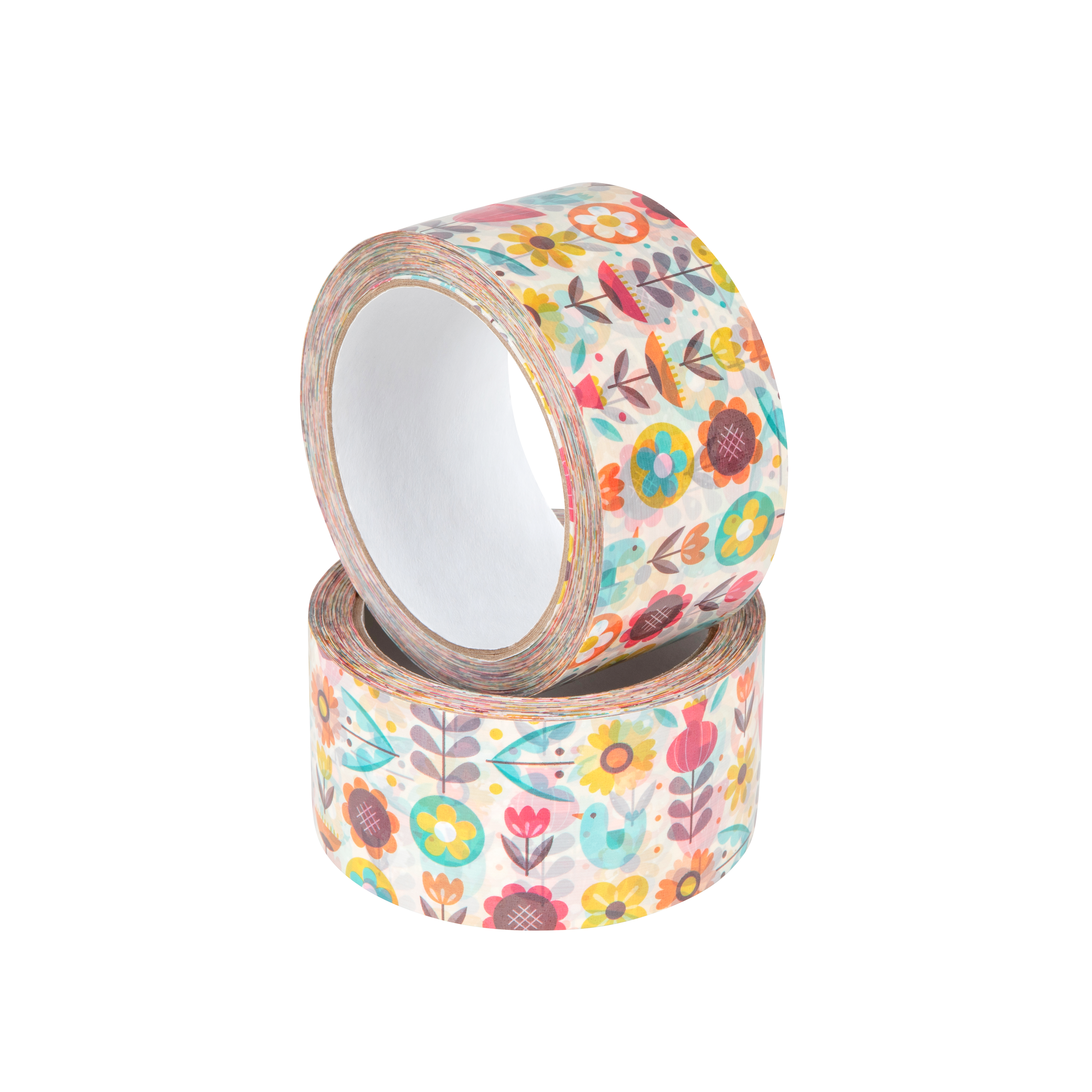
- Sandwich+ PhotoHD (Photo HD Quality): Modern digital technology enabling the reproduction of photos, tonal transitions, and gradients. It provides photographic quality, intense color saturation, and perfect detail sharpness, which allows for the implementation of even the most demanding graphic designs.
Also check out: 7 reasons why you should use custom printed tape
How does the Dalpo custom image tape creator work?
Once you've chosen the base parameters (don't worry, you can still edit them in the creator), proceed to the project configurator. By clicking the "Design Tape" button, you will be redirected to our simple tool, where you can upload your graphic and adjust the project with a real-time preview.

Step 1: Choose print type
First, define the type of print; this is a basic step that will make it easier for you to further adjust the graphics in your project using our creator.

Step 2: Upload file (Import and color mapping)
You can upload your own logo or image in PDF format here. If you are using raster graphics (e.g., in RGB color space), our system activates the color mapping function. The tool automatically converts your colors to values from our dedicated Pantone color palette. For Sandwich+ EMU technology, you can map and edit up to 5 independent colors for one project.
During the design process, the program will also automatically inform you if the resolution of your graphic is insufficient to achieve sharp lines and clear printing.

Step 3: Add and edit text
If you don't have a ready-made file, Dalpo's creator gives you space to create a project from scratch. The intuitive text module allows you to:
- Select font style, size, and color.
- Set precise letter spacing and alignment.
- Special effects: add curves (arc) or fill letters with your own texture.

Step 4: Choose a background
Decide on the background color for the entire tape surface. At each stage, you have access to a print preview mode next to it - with a 2D flat view (for adjusting content readability) and a realistic 3D preview (with the ability to rotate the roll).

Step 5: Project approval and order submission
After completing the design, below the preview and edit view, you will find the "Add to cart" button - there you can also change the quantity ordered and save your project. Approve, proceed to payment, and we will take care of the rest!

Advantages of using the custom printed tape creator
To customize adhesive tapes to your company's needs, you can use the custom logo tape creator. The creator allows for individual project customization to the business, as well as experimenting with different designs and colors. This enables you to create a unique project that will distinguish our brand in a crowded market.
By choosing tapes with your own logo, we not only build brand recognition but also emphasize professionalism. A package secured with company logo tape is a signal to the customer that they are dealing with a serious, detail-oriented partner.
As a manufacturer of adhesive tapes, we offer you the ability to easily design packaging tapes with any text or logo. Our custom printed tapes are available in several variants, differing in adhesive and print parameters. Printing is possible over the entire surface or unilaterally. By choosing appropriate tape dispensers for the tape created in this way, you can achieve a refined, careful packaging effect. All of this contributes to building a consistent, professional brand image.
Do you run your e-commerce or simply send hundreds of packages a day? Be sure to check out: How does a carton sealer work?
-
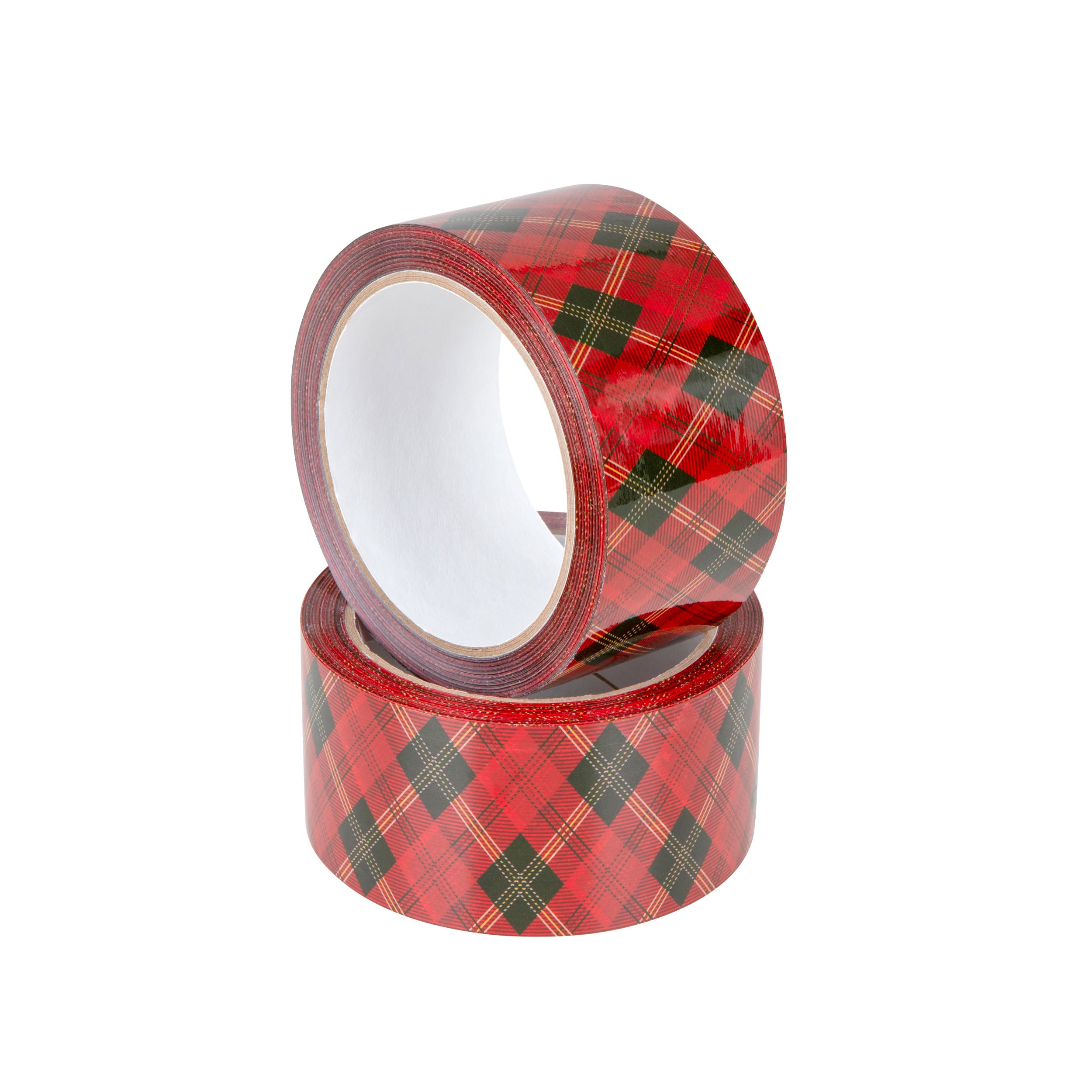
Acrylic silent tape with plaid print - PHOTO HD
fromnetto9,99 zł -
Acrylic quiet tape with decorative floral print - PHOTO HD
fromnetto9,99 zł